
When faults are raised to support teams there is sometimes a need for further information in order to complete diagnostics. In this scenario a console log and HAR file will be required so the engineering team can investigate further.
A HAR (HTTP Archive) file records network activity, including request and response details, page load times, and any errors encountered. This is all useful information to support technical investigations by the engineering team.
Generating a HAR file within Contact #
In order to make it easier to capture the required information a bug tracking tool is available within Contact that can be turned on and off when needed.
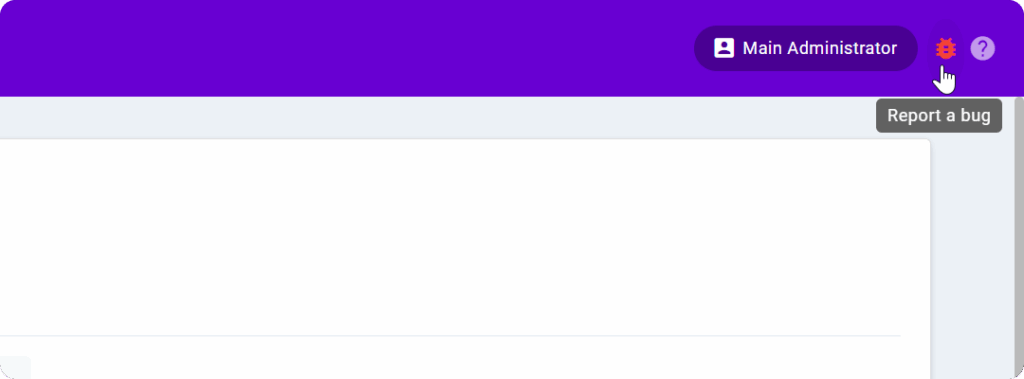
The bug tracker will be disabled by default but all users will be able to turn it on and off as required.
For information on how to enable bug tracking refer to the ‘Capturing intermittent faults using Bug Tracking‘ article on the Administrator Knowledge Base.
Scenarios when a HAR file might be required #
A HAR file will only be required as a last resort to support the engineering team with their diagnostics. It will not be required for issues regarding call quality or dropped calls.
Watch the following video to see examples of when a HAR file might be required across the different portals.
HAR File Guide #
As well as being able to make use of the bug tracking tool within Contact it’s also possible to generate a HAR file using developer tools within the agents browsers. Information on how to do this in Chrome, and Microsoft Edge is available in the HAR File Guide.