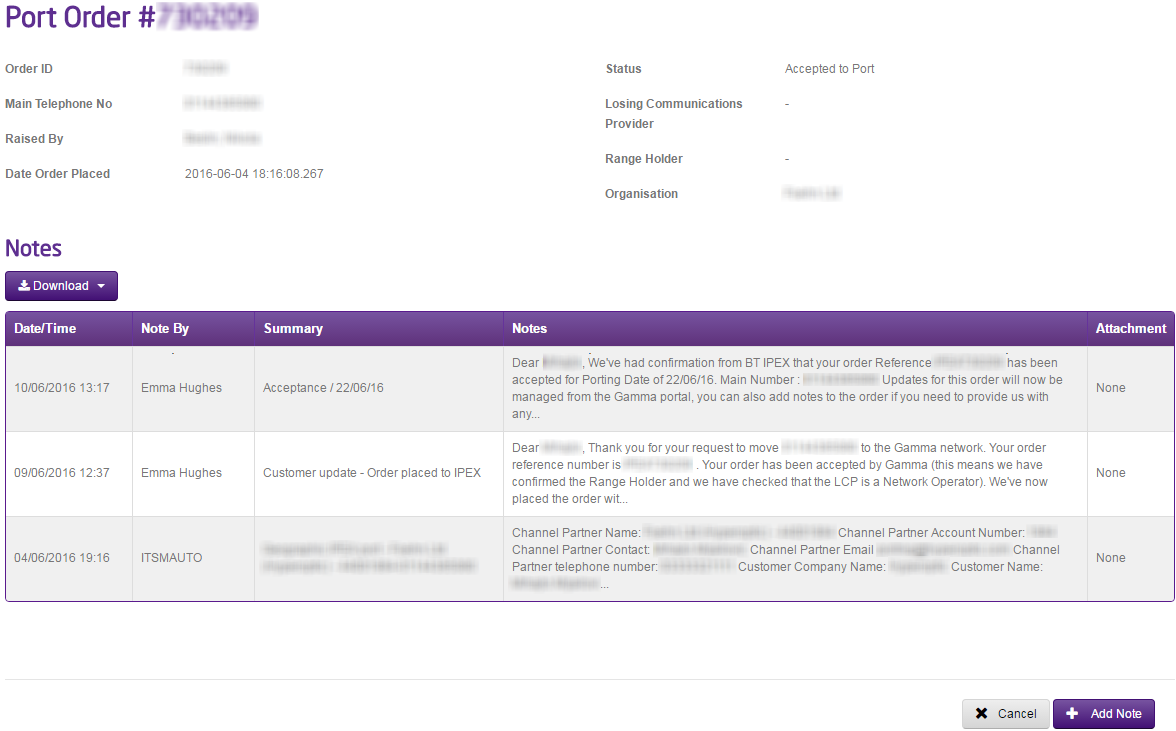
To request a date change for a Non-Geographic Port Order you can do this once an order is ‘Accepted to Port’ by using the Gamma Portal.
You should simply go to Number Porting, Non-Geographic Porting and select Non-Geographic Port Search”. Search for your port order and open the port order up. Once you have the order click the “Add Note” button and type in the new date you wish. This will go to the owner of your port order who will pick up your request.
If your port is due to happen within the next 48 hours, please call the Porting Desk once you’ve made this request to ensure that we can call the Range Holder as well.