
Before you can provision International Numbers you should speak to your Business Development Management / Internal Account Manager who will enable access for you via the Gamma Portal, and will provide you with your log in details.
Simplicity Partners: Please contact the Simplicity team at simplicityteam@gamma.co.uk to request International Numbers.
Step 1
Log into the Gamma Portal and go to Provisioning and Service Management, Inbound and select International numbers
If you don’t have this option, contact your Portal Administrator (Help and Support and Portal Administrators) or contact your Internal Account Manager.
Step 2
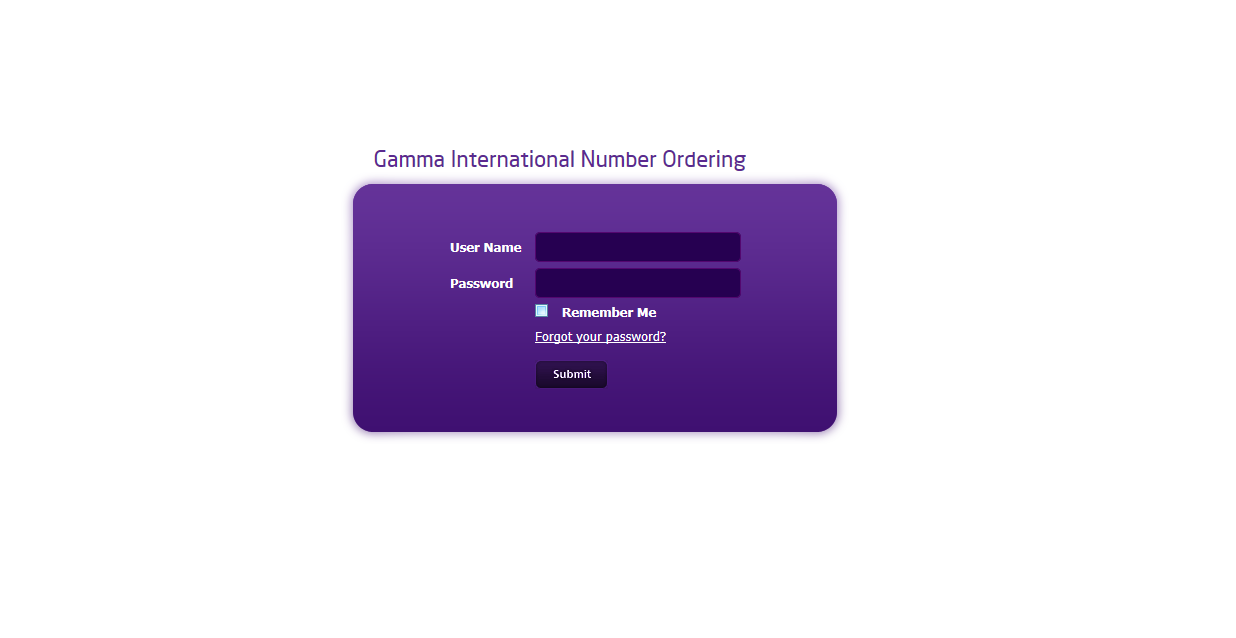
Enter your username and password to log into the International Numbers Portal.
Step 3
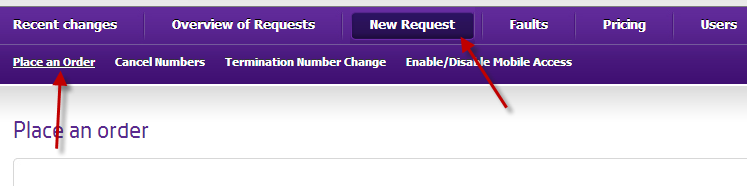
Hover over ‘New Request’ then click ‘Place an order
Step 4
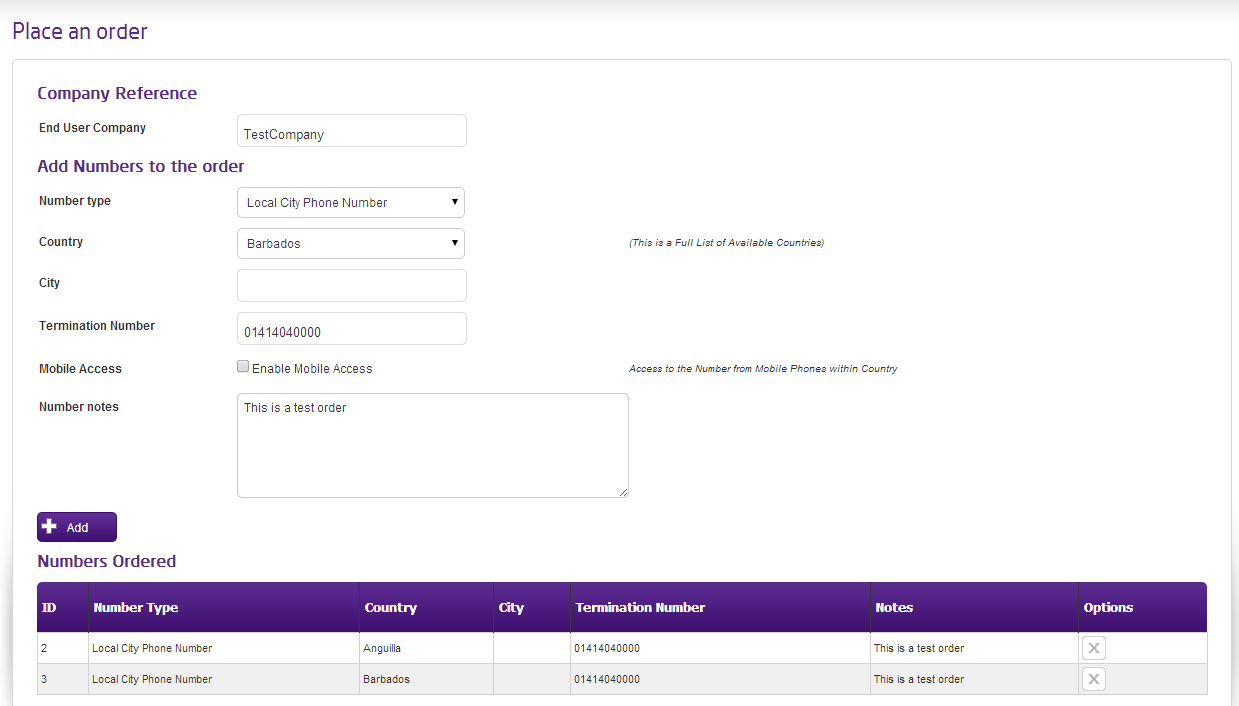
Complete the details for your order, including the number type, country and termination number, then click add.

Step 5
When you have completed these fields, click ‘Add’ – which will add a row to the ‘Numbers Ordered’ section. You can repeat this process for all of the numbers you require.
Step 6
Confirm the acceptance of the terms and conditions and click Submit. You will be given an order number so you can track your order’s progress.
View an existing order #
When you first log into the International Numbers Portal you’ll see a summary of all updates since you last logged in. The below steps will show you how to search for open orders.
Step 1
Log into the Gamma Portal and go to Provisioning and Service Management, Inbound and select International numbers
If you don’t have this option, contact your Portal Administrator (Help and Support and Portal Administrators) or contact your Internal Account Manager.
Step 2
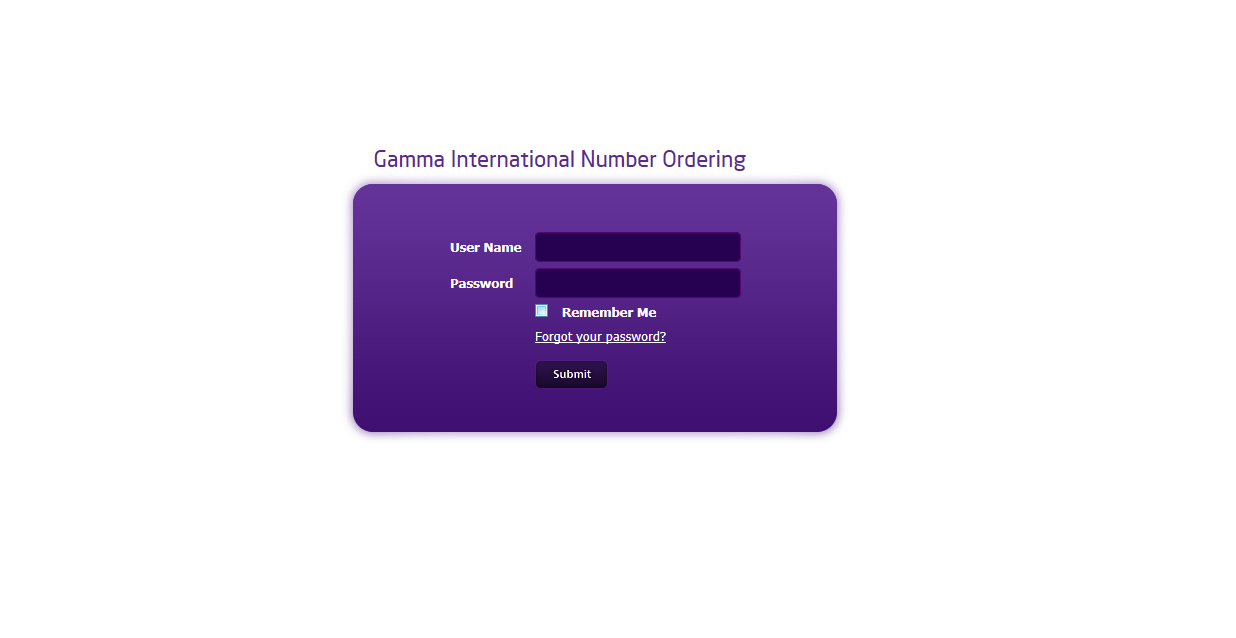
Enter your username and password to log into the International Numbers Portal.
Step 3
After logging into the International Numbers portal hover over ‘Overview of Requests’ and select ‘Outstanding Requests

Step 4
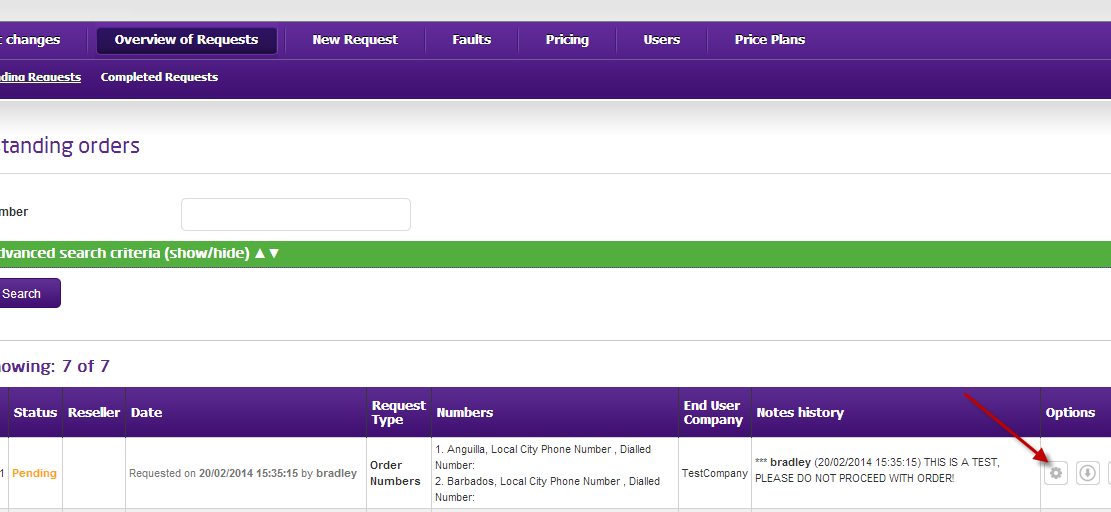
This will show all of your current open orders. Selecting the highlighted button will take you into the order details.
Step 5
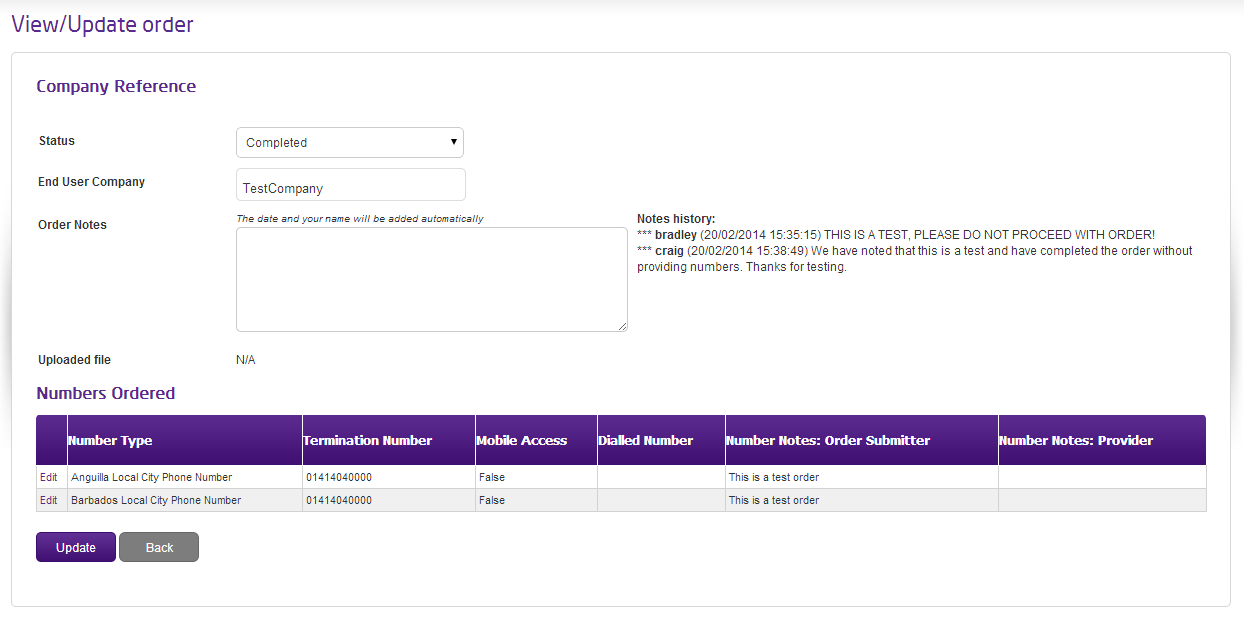
Your order details will be displayed. You can also add notes as required
Update a termination numbers #
Step 1
Log into the Gamma Portal and go to Provisioning and Service Management, Inbound and select International numbers
If you don’t have this option, contact your Portal Administrator (Help and Support and Portal Administrators) or contact your Internal Account Manager.
Step 2
Enter your username and password to log into the International Numbers Portal.
Step 3
After logging into the International Numbers portal hover over ‘New Request’ and select ‘Termination Number Change’

Step 4
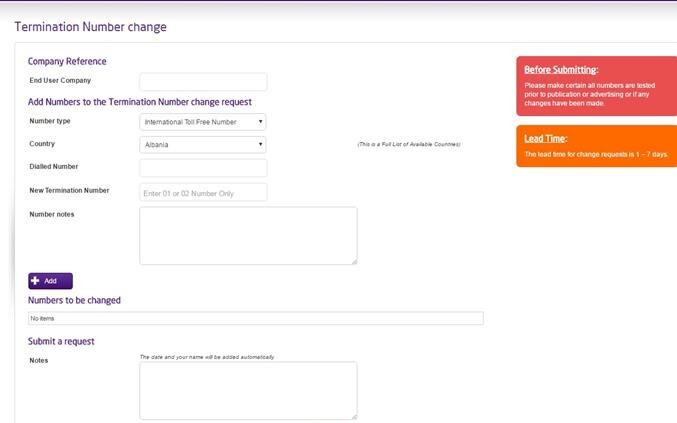
From here you can complete the form to change your Termination Number.
Cancel termination numbers #
Step 1
Log into the Gamma Portal and go to Provisioning and Service Management, Inbound and select International numbers
If you don’t have this option, contact your Portal Administrator (Help and Support and Portal Administrators) or contact your Internal Account Manager.
Step 2
Enter your username and password to log into the International Numbers Portal.
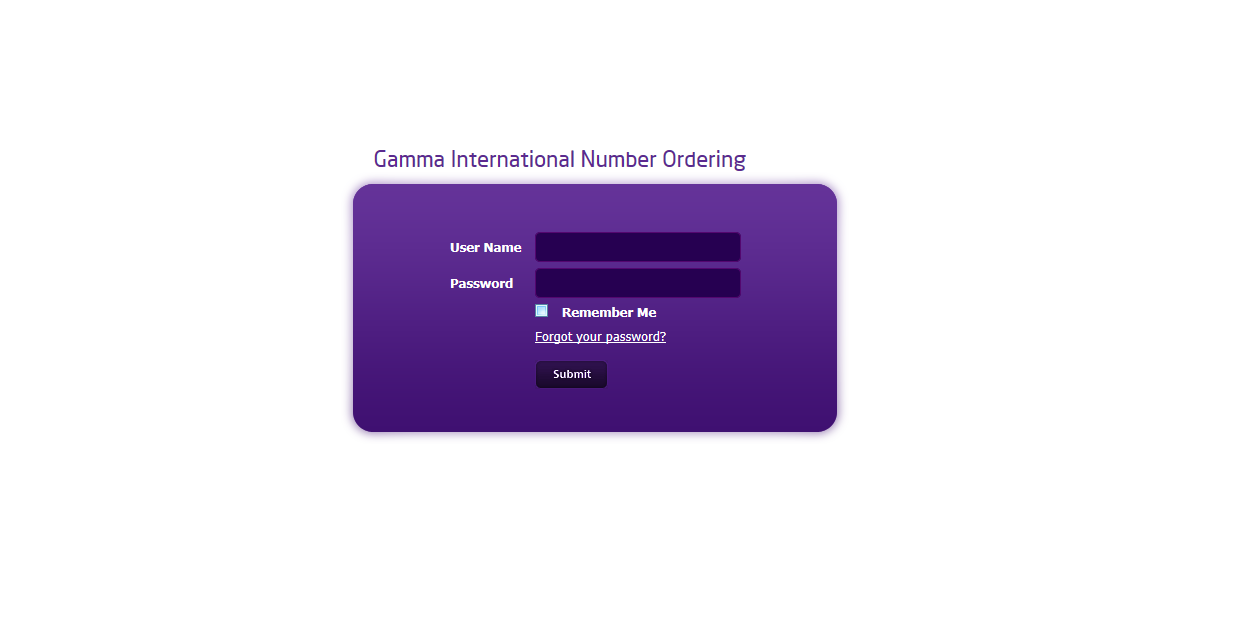
Step 3
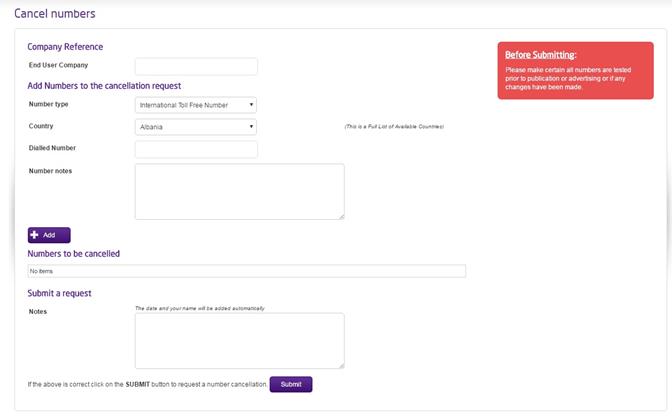
After logging into the International Numbers portal hover over ‘New Request’ and select ‘Cancel Numbers’

Step 4
From here you can complete the form to cancel your International Number.
Technical Support for International Numbers #
International numbers act like a NTS number, or simple translation. Calls to the number are routed to an underlying ‘termination number’ – which could sit on any Gamma service. When diagnosing issues, it is important to ascertain that the underlying service is working correctly, as issues with this could manifest themselves through calls to the international number.
The first step is to try calling to the underlying service, which will be the ‘termination number’ for the international number. If this doesn’t work, then you should raise a fault with the relevant service as you usually would.
International networks can behave differently when dialling numbers in or out of the country in question. For example, an international toll free number has the prefix 00-800xxx. In most countries the 00 prefix will identify the call as an international one – where in Canada the prefix must be 011.
As such, you should try a few combinations to test the number using relevant prefixes. If the call is to an international toll free number, some PBX or phone systems may block international calls, which would block calls to these numbers as well.
After testing the above, a fault should be logged with our service desk (contact details available within the Customer Service Plan on the Gamma Portal). The following information is required to ensure we can locate the calls with the relevant international carriers and investigate the issue in a timely manner
- Type of number: local city/international toll free etc.
- A Number: the number calling the international number, originating country (with area/region) and type of telephone (landline, mobile etc.)
- B Number: the international number being called (exact format being dialled is required)
- C Number: the UK geographic termination number
- Local time/date
- Symptom of the call: i.e. silence, fast busy, announcement etc.
- Frequency of fault
- Confirm that the terminating number has been tested
- Anything else that you deem relevant to the fault.
- The call example must be from within the last 24 hours.