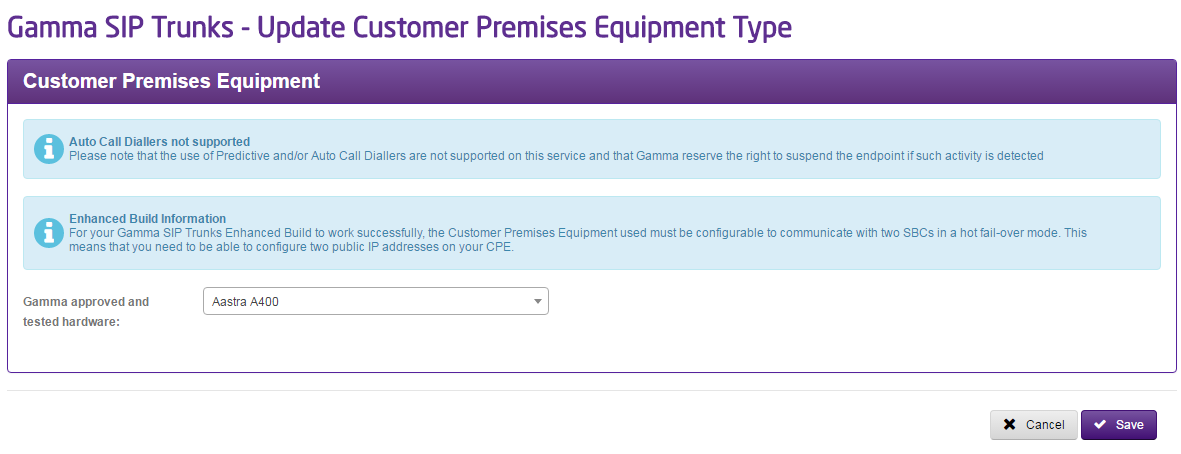
The equipment that the Gamma Portal displays has been verified for connection to Gamma’s SIP trunking service using IP Authentication. For full information please see the Gamma SIP Trunks Equipment Conformance List.
Some iPBXs require extra hardware/software; A SIP Proxy/SIP aware firewall or a Session Border Controller (SBC). It is the responsibility of the Channel Partner to determine if extra hardware/software is required and provide as necessary.
Step 1
From the Gamma Portal, go to “Provisioning and Service Management”, “Voice Connectivity”, “Gamma SIP Trunks” and “Service Management”.
If you don’t have this option contact your Portal Administrator (Help and Support and Portal Administrators) or contact your Internal Account Manager.
Step 2
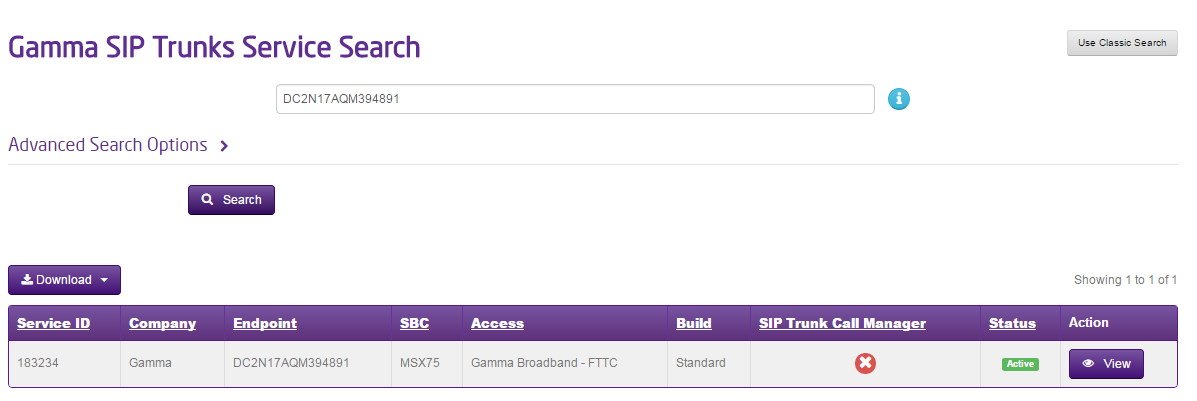
Select the account that has the endpoint you wish to change the CPE for and click “View”.
Step 3
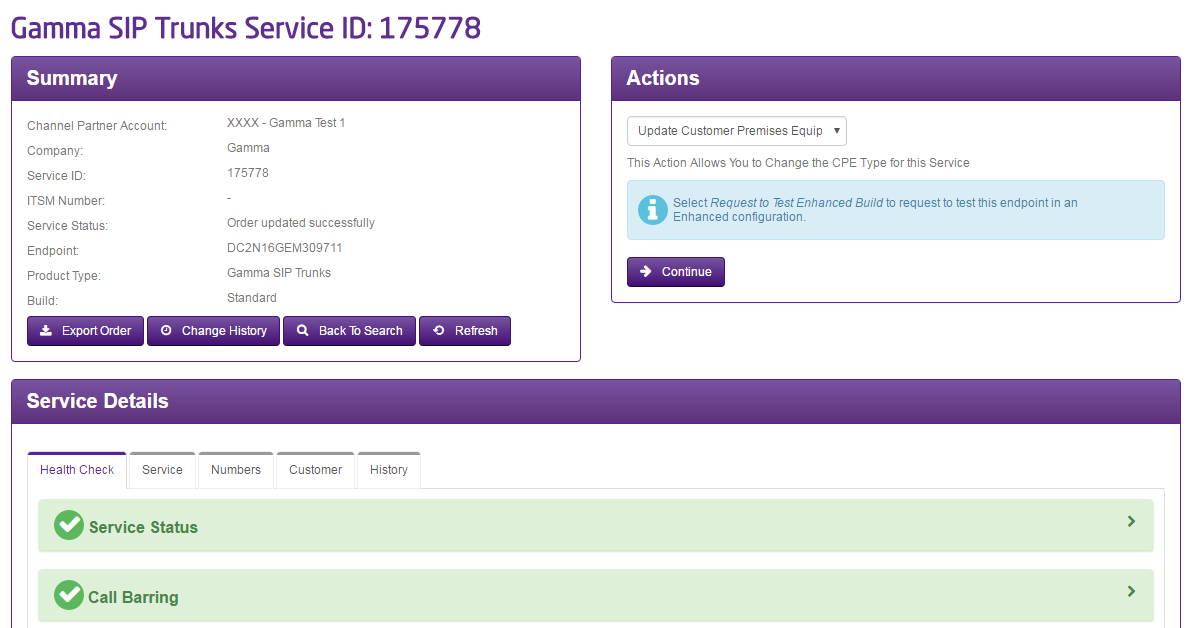
Click on the “Update Customer Premises Equipment” option in the Actions drop-down and click Continue
Step 4
You can either select hardware that has been approved and tested by Gamma or enter something different by selecting “None of the above” in the Gamma Portal.
If you select “None of the above” then four new fields will be displayed for you to complete. These are:
- Type
- Vendor
- Model
- Software Revision