For any SIP Trunks that have a “This is a Manual Endpoint” note on when viewing the Gamma Portal, a channel change can be requested by emailing siptrunkorders@gamma.co.uk.
Step 1
From the Gamma Portal, go to “Provisioning and Service Management”, “Voice Connectivity”, “Gamma SIP Trunks” and “Service Management”.
If you don’t have this option contact your Portal Administrator (Help and Support and Portal Administrators) or contact your Internal Account Manager.
Step 2
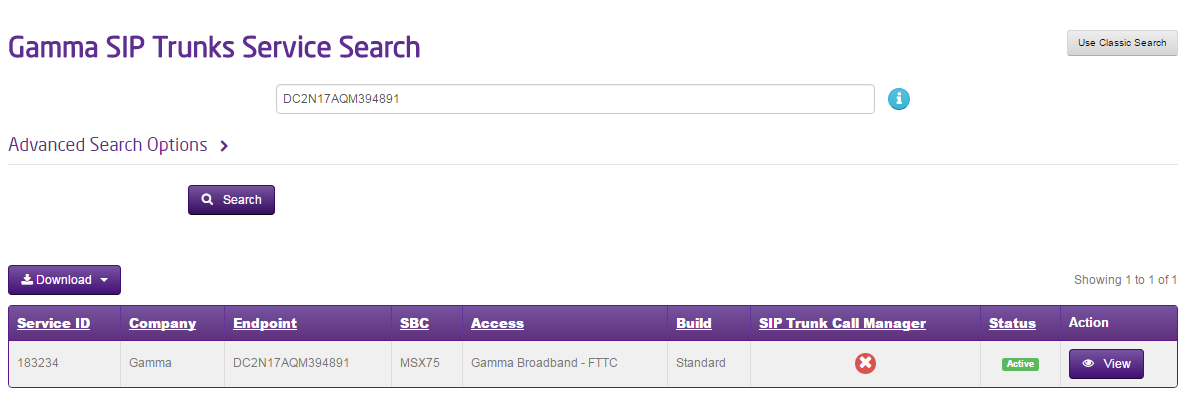
Select the account that has the endpoint you wish to change amount of channels for and click “View”.
Step 3
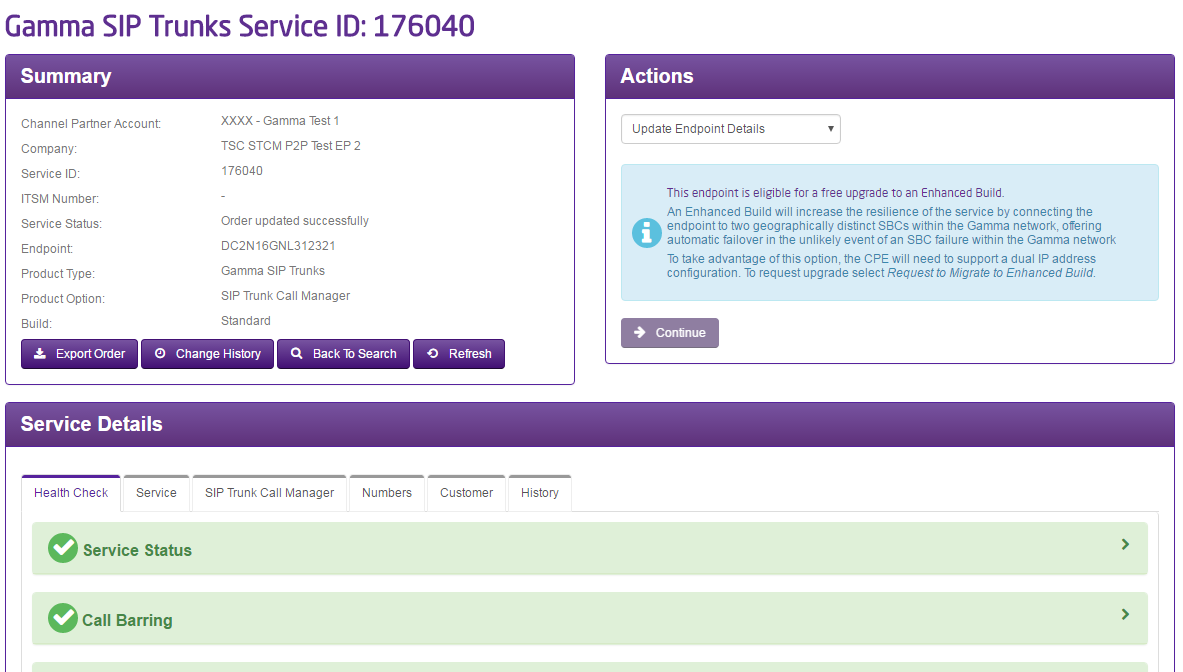
Click on the “Update Endpoint Details” option in the Actions drop-down and click Continue
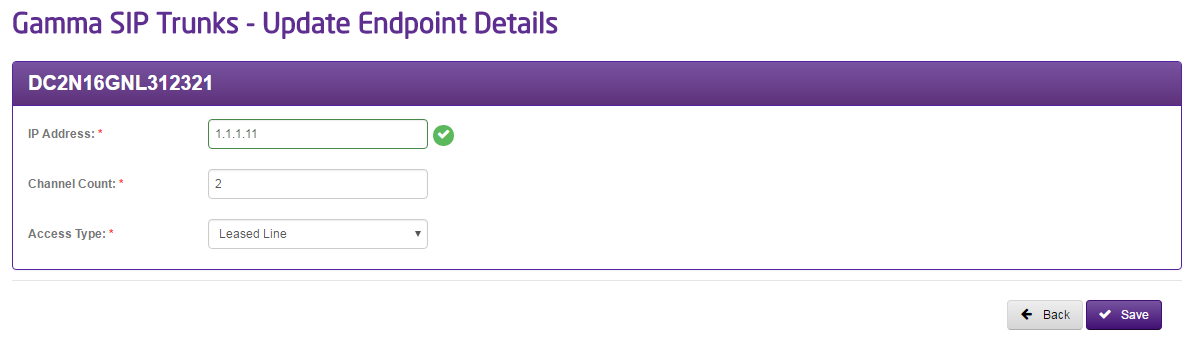
Step 4
Enter the number of channels that you require.
If you are requesting more than 250 channels, then approval needs to be obtained. You should submit the order as normal and then contact the Service Desk with your order ID. Not doing so can cause delays in your order