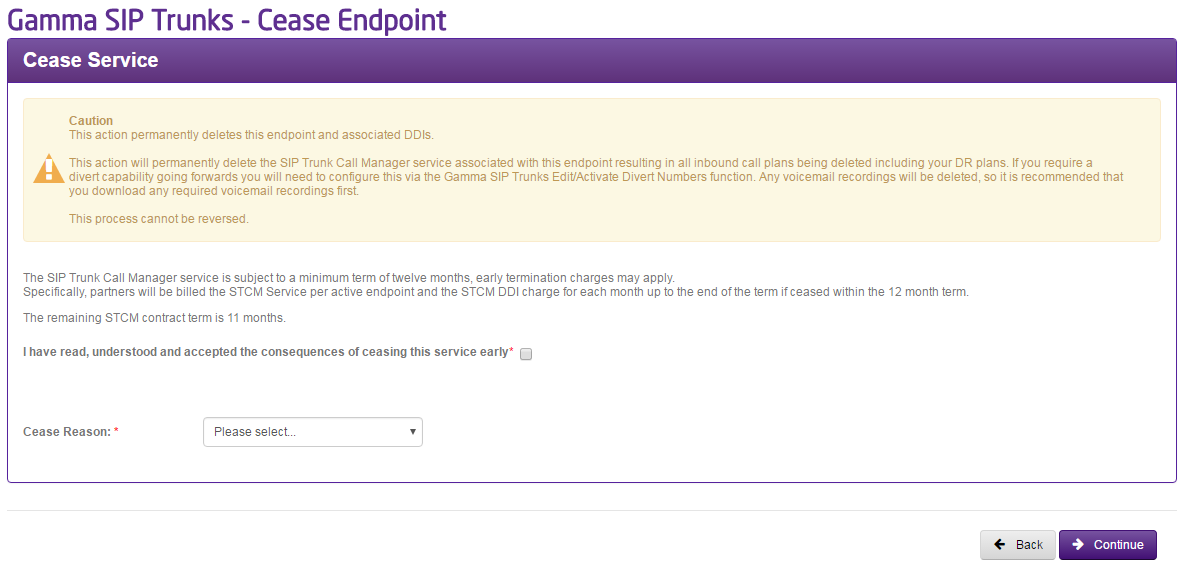
Please be aware that for future feature, your endpoint may still appear in your list of endpoints but will have the status “Ceased”.
Step 1
From the Gamma Portal, go to “Provisioning and Service Management”, “Voice Connectivity”, “Gamma SIP Trunks” and “Service Management”.
If you don’t have this option contact your Portal Administrator (Help and Support and Portal Administrators) or contact your Internal Account Manager.
Step 2
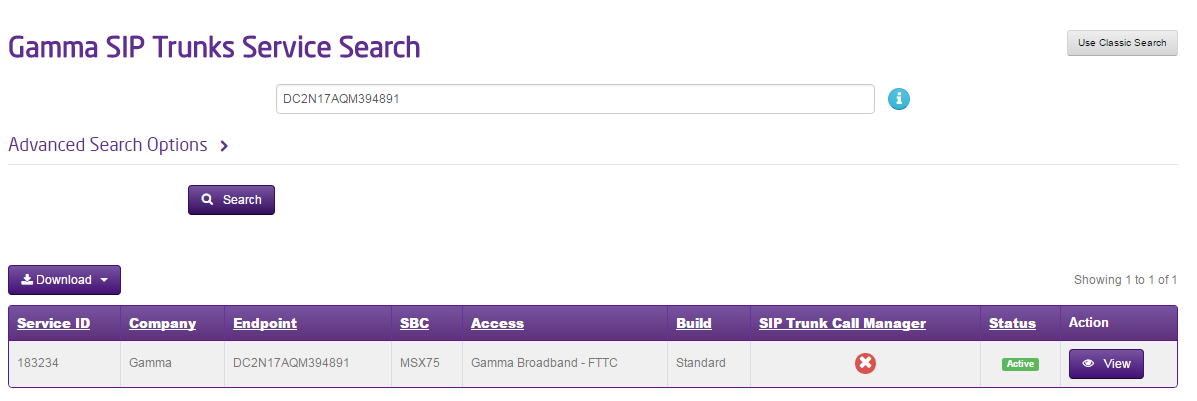
Select the account that has the endpoint you wish to change the access type for and click “View”.
Step 3
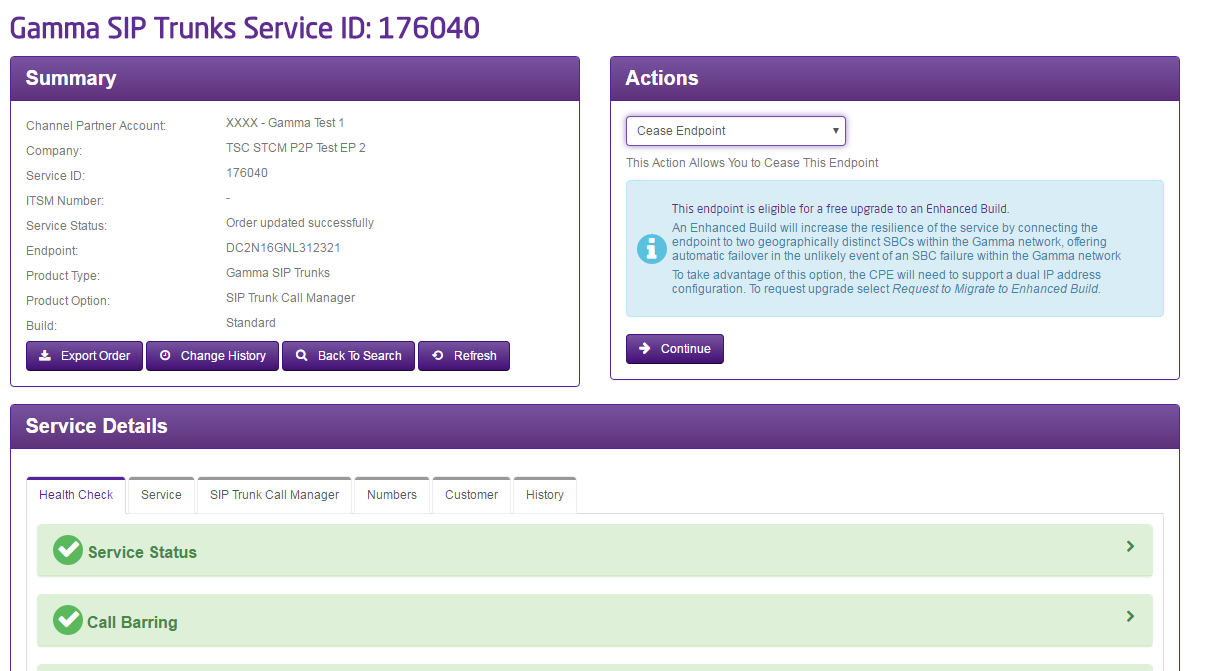
Click on the “Cease Endpoint” option in the Actions drop-down and click Continue
Step 4
Read the information in the Cease Service panel, confirm that you have read and understood this and enter a cease reason. Click continue and confirm the cease.