
You should always check the underlying internet access that the SIP Trunk runs over for performance issues such as jitter, latency or packet loss. If you are using Gamma access please see our Broadband Technical Support Guide, Assured Technical Support Guide, Converged Technical Support Guide or Ethernet Support Guide.
If all is OK with the access then you should use the Advanced Diagnostics tool and select the There is a problem with call quality journey.
This journey will ask you for call examples. This is so that you can give exact examples of the calls that the Service Desk will be able to identify immediately.
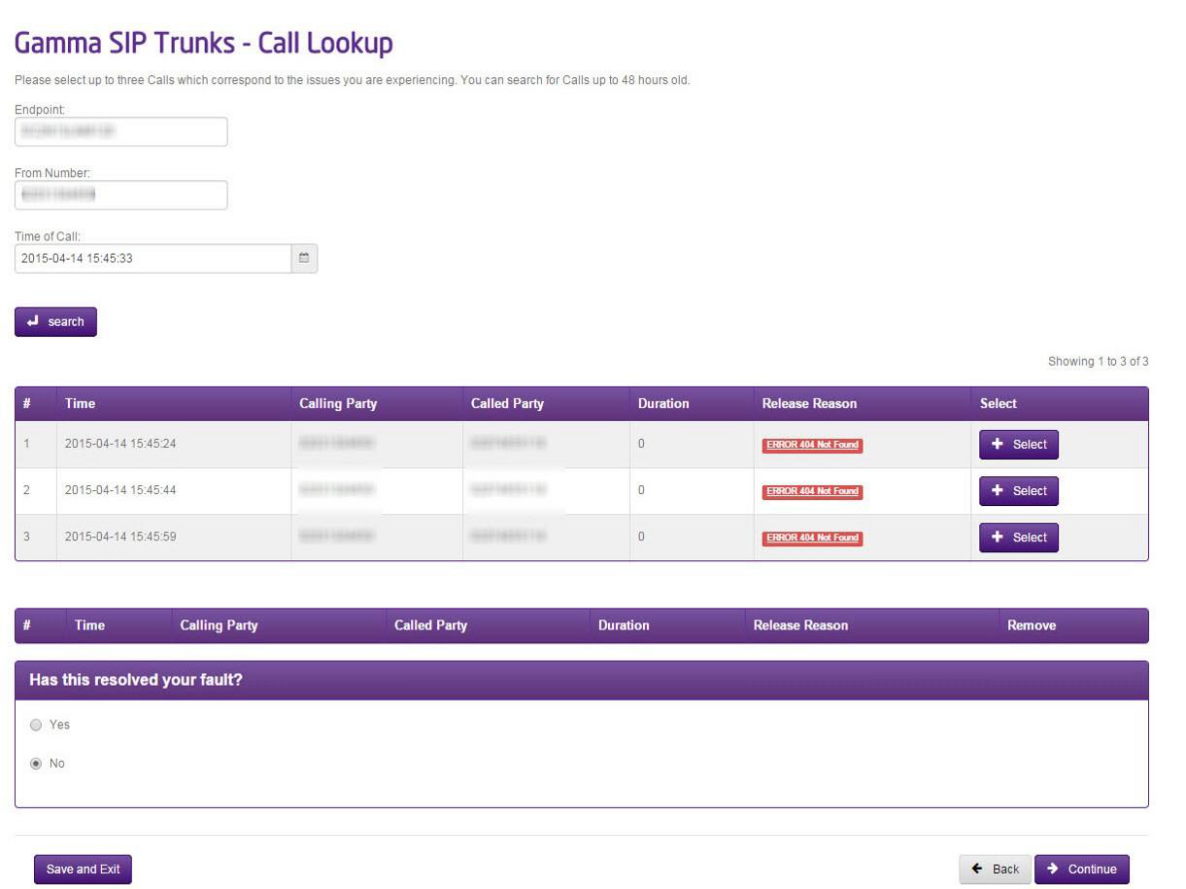
Continue the journey by selecting a minimum of three calls and will be presented with a series of questions that are applicable to a Call Quality fault. This will then raise a ticket to the Service Desk with all the information that they need to start their diagnostic work and they will be in touch shortly.
One Way Audio #
Traffic on ports 6,000 – 40,000 ingress/egress to Gamma’s media gateway must be forwarded through relevant routers, firewalls and other CPE.
You should ensure that your public IP address (i.e. the address you use on the Gamma Portal) is apparent in the SDP connection information of your 200OK SDP (Session Description Protocol) answer. This is the address that you instruct us to send media (IP address in the Gamma Portal). If this field is populated with a different IP address then you will experience one way speech.
We will send our ACK (acknowledgement) to the IP address specified in the contact header of your 200OK SDP. If this is a non-routable IP address, in addition to one way audio, the call will drop after serval seconds.
You should also check the underlying internet access that the SIP Trunk runs over for performance issues such as jitter, latency or packet loss. If you are using Gamma access please see our Broadband Technical Support Guide, Assured Technical Support Guide, Converged Technical Support Guide or Ethernet Support Guide.
If all is OK with the access, then you should use the Advanced Diagnostics tool and select the Either the calling party or the called party cannot hear the other (One way audio) journey.
This journey will ask you for call examples. This is so that you can give exact examples of the calls that the Service Desk will be able to identify immediately.
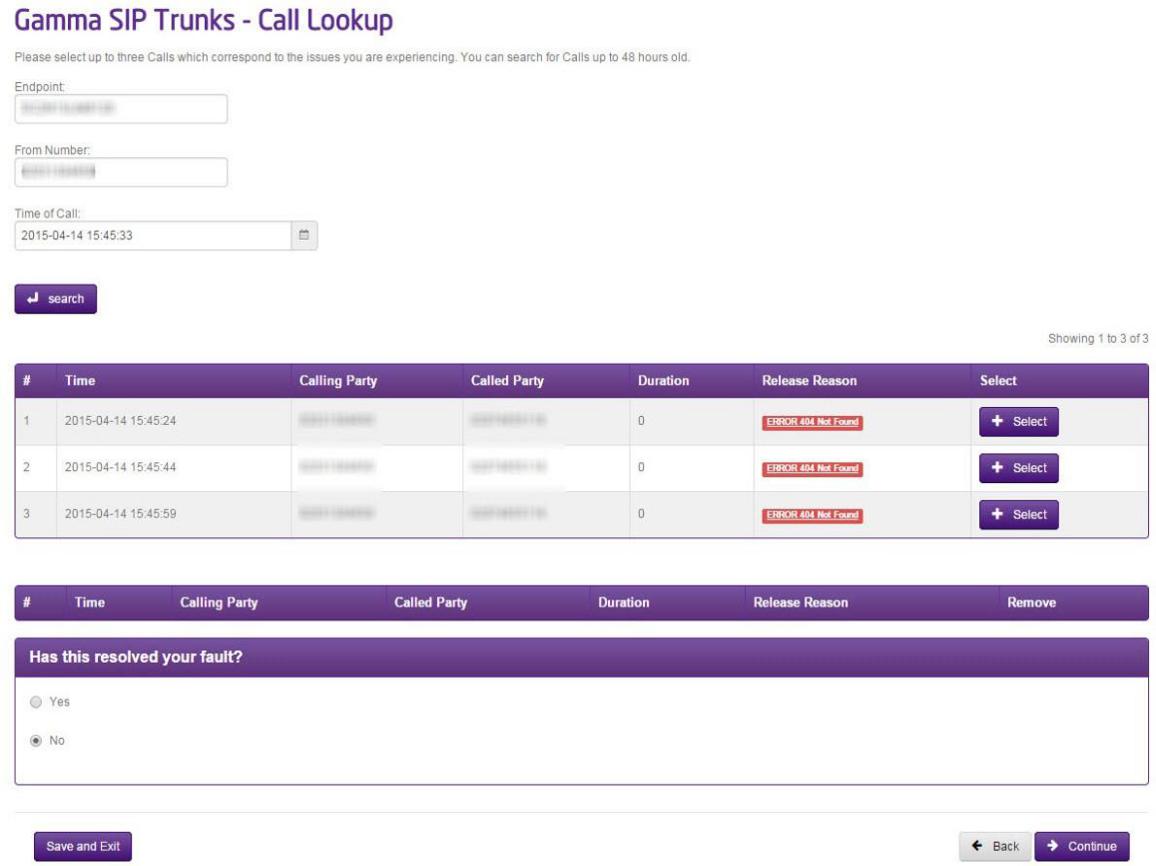
Continue the journey by selecting a minimum of three calls and will be presented with a series of questions that are applicable to a One Way Audio fault. This will then raise a ticket to the Service Desk with all the information that they need to start their diagnostic work and they will be in touch shortly.
