You can customise the appearance of the website to bring it in line with your company’s or your customer’s branding.
You can create a channel partner profile to apply to all companies or customise each site on a per Mobile Company basis.
To access the branding click the Actions button and select Manage Branding.
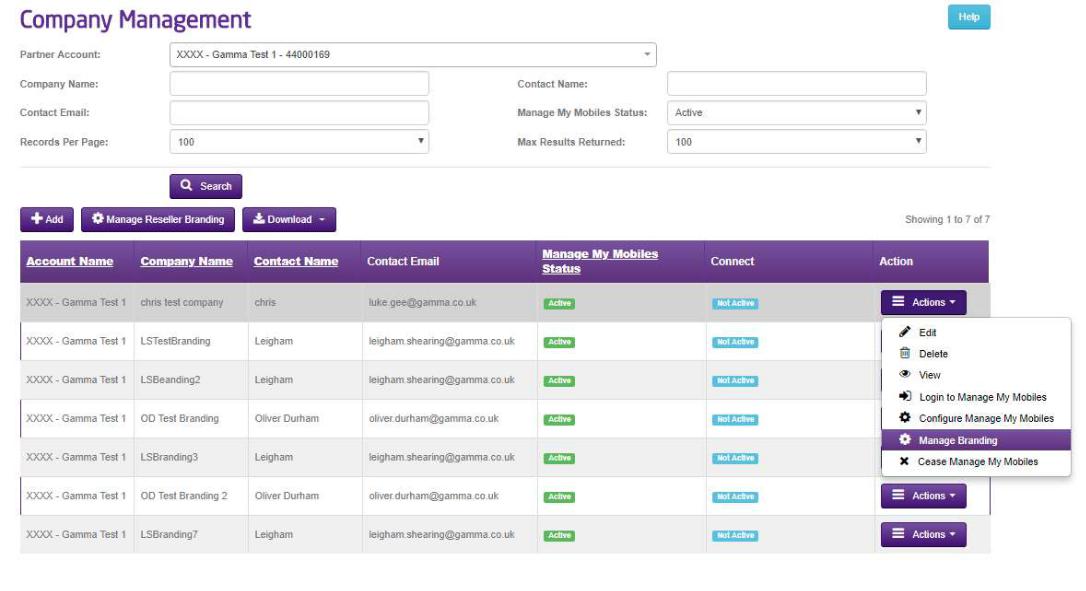
Select here if you want to use the partner branding or create a custom branding for this mobile company. Note you can switch back to the default Gamma branding here if you wish. The most recent custom branding is also saved so you can switch back to that again too.
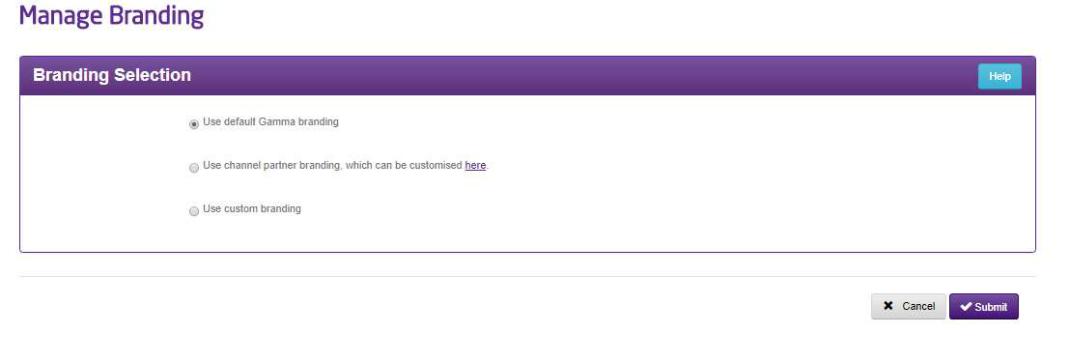
We’ll take the custom branding first.
Enter your subdomain and the Portal will check it for availability.
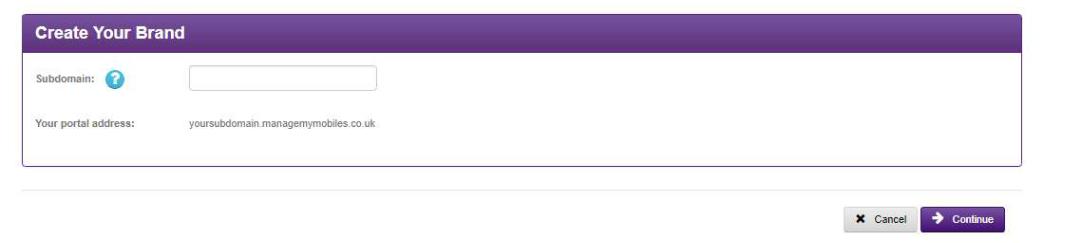
Click continue and you are presented with the customisation options in the tabs here:
Images – From here you can change the image that is displayed in the top right of the Manage my Mobiles portal. You can also change the slash screen which is the screen the user must put the username and password in.

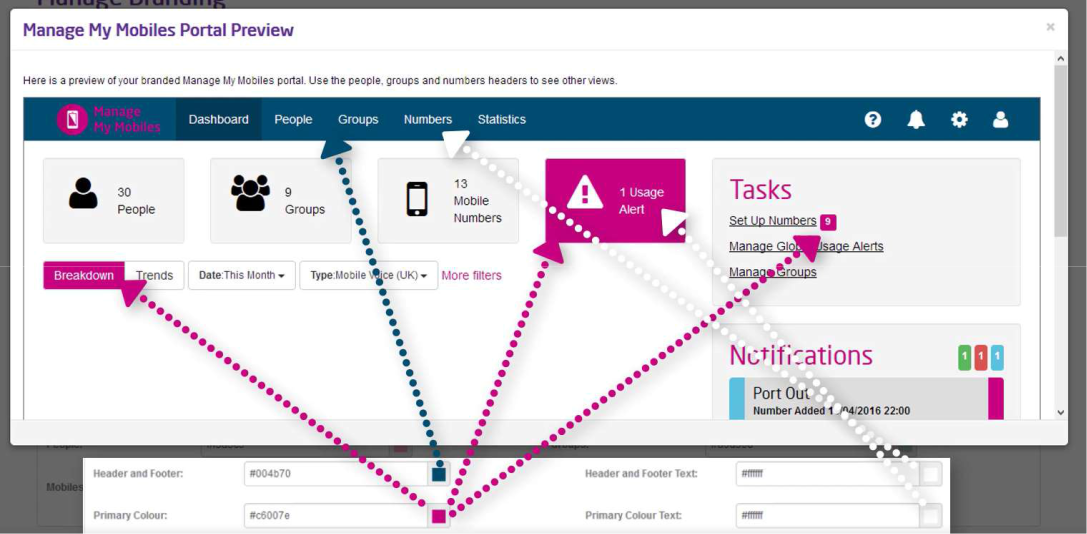
Colours – Colours on the next tab correspond to the website like so: These can be entered as hex values or chosen from the colour picker.
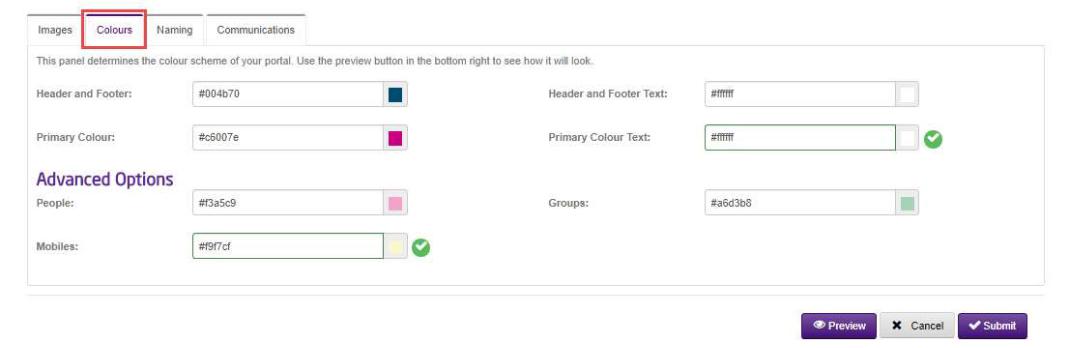
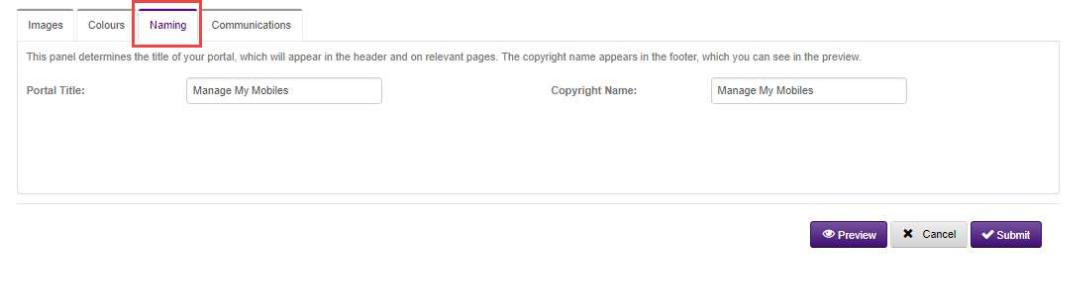
Naming – The Naming tab controls the text on the header of your browser, this doesn’t show in the preview. The copyright text appears at the bottom of the manage my mobile portal.
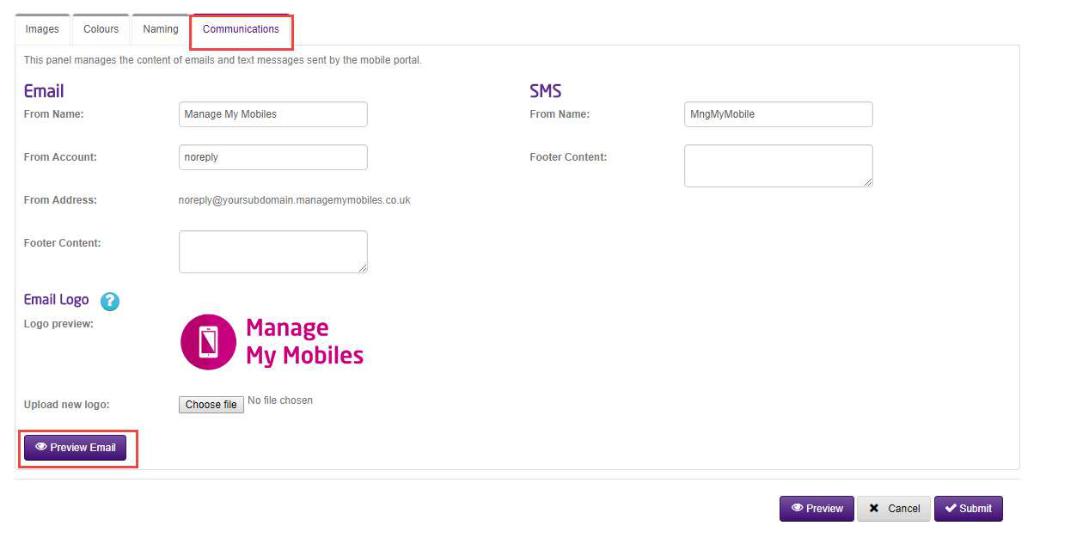
Communications – The communications tab allows you to customise any comms sent by the website. You can preview the email by clicking the preview email button.
How long does it take to apply branding?
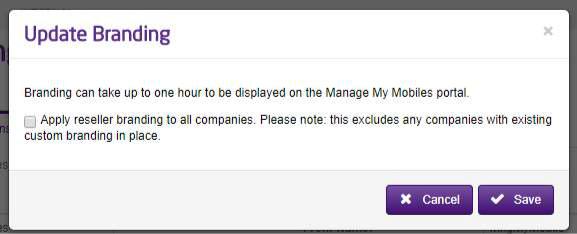
Once submitted it can take up to one hour for the profile to be applied to the Manage My Mobiles site.
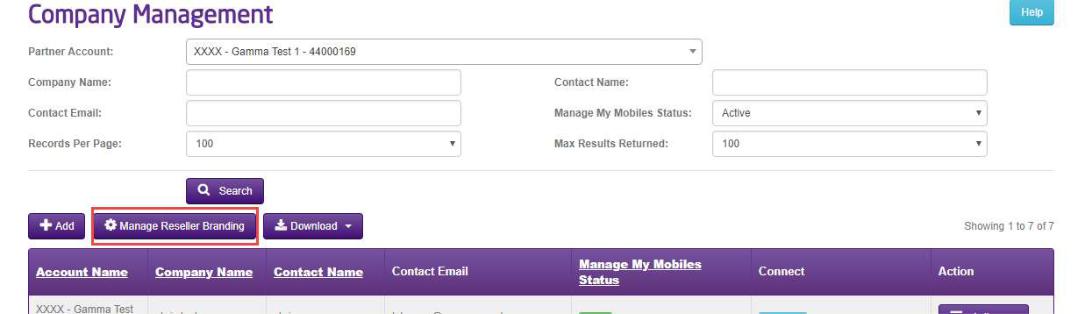
If you want to apply the same branding across all mobile companies, click on the Reseller Branding button on the Manage Companies page.
Enter your custom subdomain and click Continue.
You can then add in the customisation required as before but this time when you click submit you are given the choice to apply this branding to all the companies on your account with Manage My Mobiles. A notice advises that any companies with custom branding already applied will not be overwritten. Click Save and your branding will be applied within an hour.