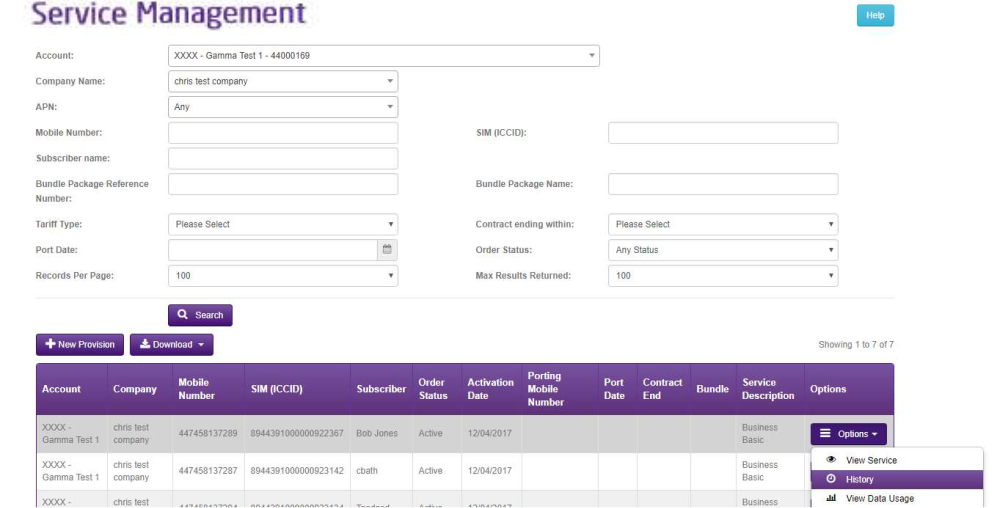
You can track the Order History of your Mobile orders on the Portal. Navigate to Mobile > Service Management and then filter by the asset you’re interested in. Then click the Actions button and click on History.
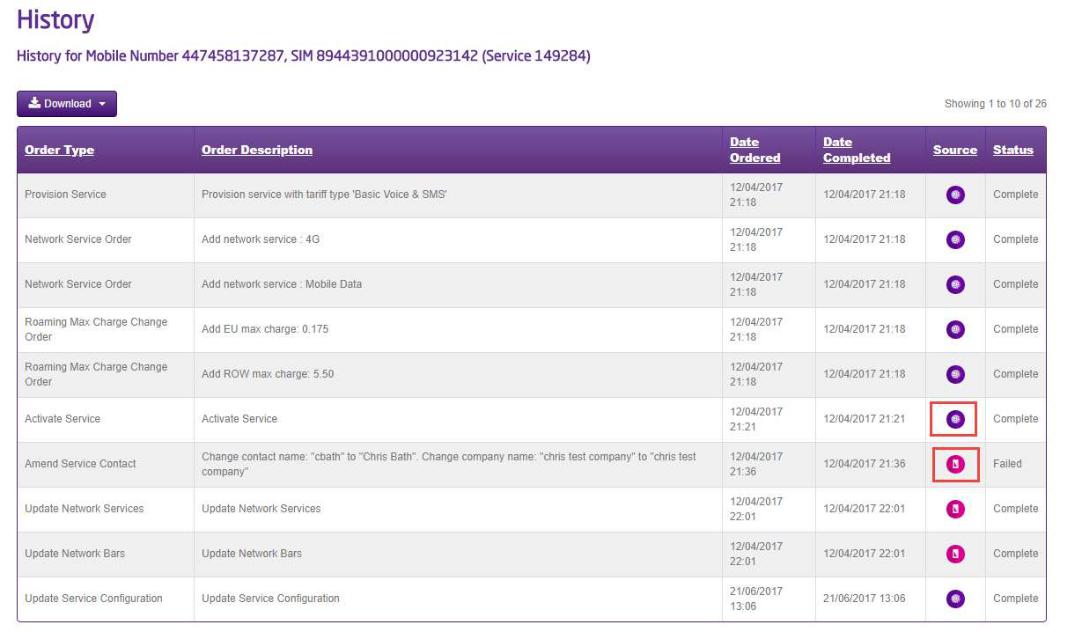
This will show you every action that has been carried out against that number and the icons here will show you what platform the change request originated from. For example the Gamma Portal or the Manage My Mobiles website.