
The rights of users can be managed individually, or alternatively users can be added to a group, and the rights of that group will be inherited by it’s members. Management is performed via the ‘Administration’ tab on the Portal. Only Administrators have visibility of this menu, it contains:

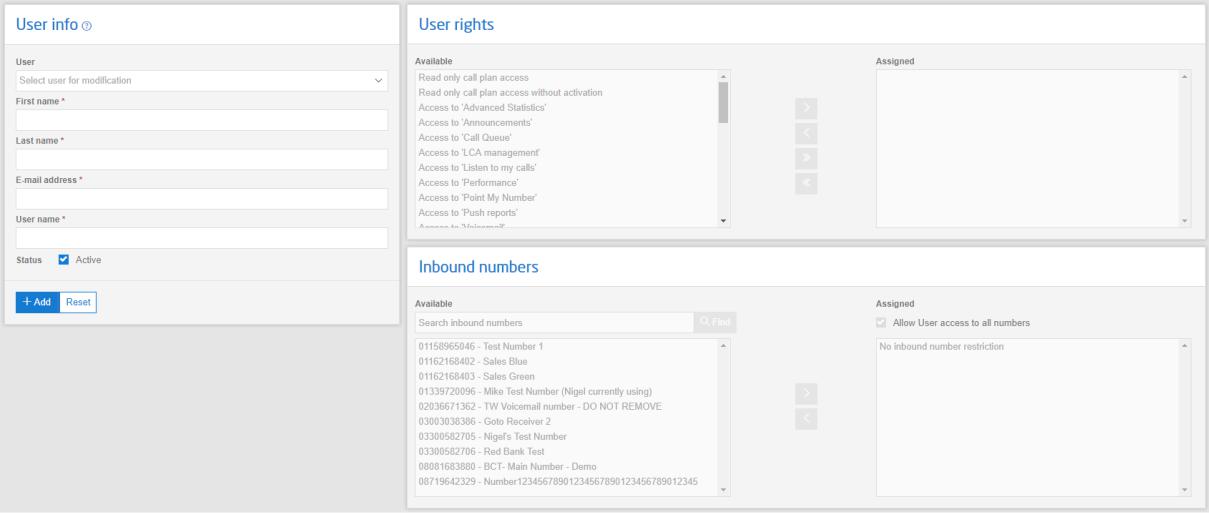
User administration, allows the admin to create users and assign rights and Inbound numbers.
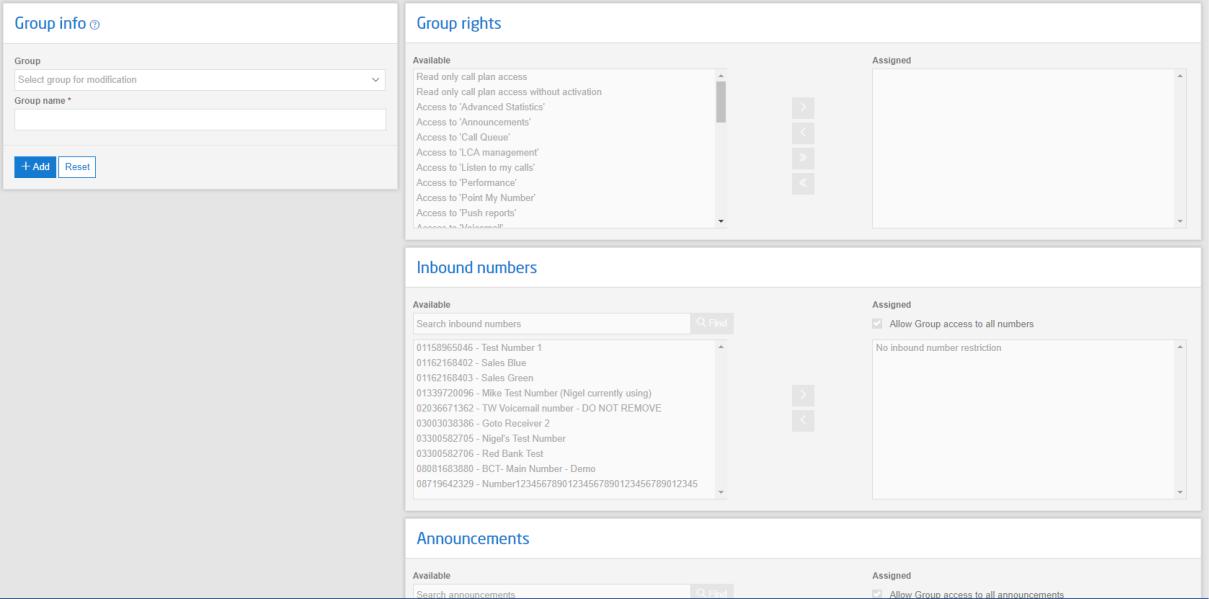
Group administration, allows the admin to create groups and assign rights and Inbound numbers.
Additionally to the User admin menu, specific Announcements can be made available to the group.
Member administration, allows the admin to add and remove users to and from groups.
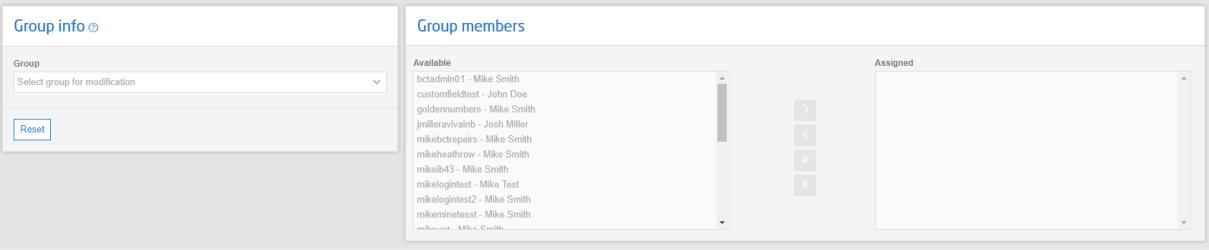
- Once a user is a member of a Group, their rights can only be controlled from the Group they belong to.
- When a user is moved to a Group any rights they were individually assigned are automatically lost. Similarly, when they are moved out of a Group, rights they inherited from the Group would be lost.
- A user can only belong to one Group