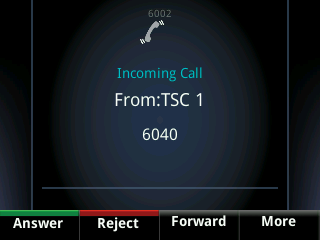
We have introduced the option to present a user’s extension details when a site-to-site call is made within the same Company. Previously the user’s full DDI was presented.
By default, from the 14th February 2018 onwards, all new companies are provisioned to present the user’s extension details on a site-to-site call within a company.
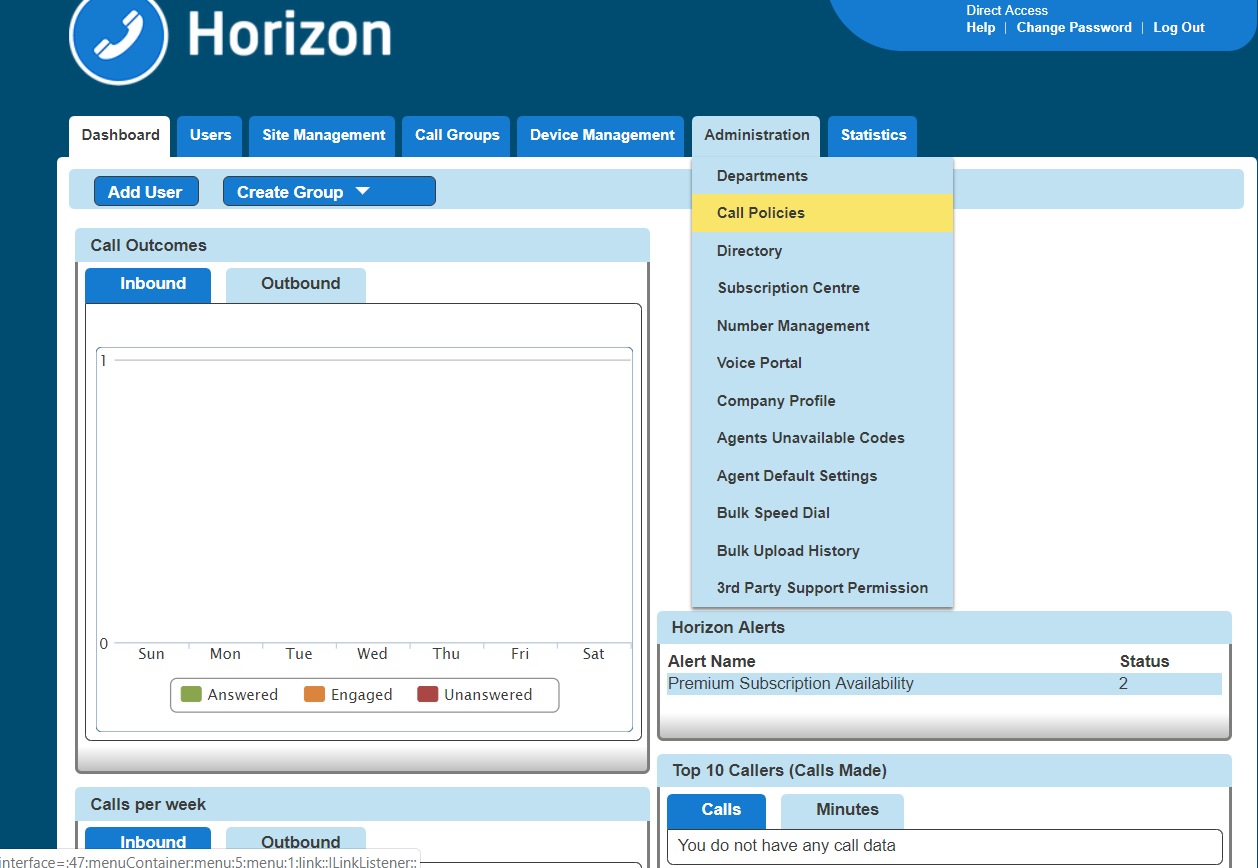
To enable or disable the service, head to the Administration tab of the Horizon GUI and select Call Policies from the drop-down menu.
In the Call Policies page simply toggle the “Display Extension Number for all Company calls” toggle switch to on to enable or off to disable.
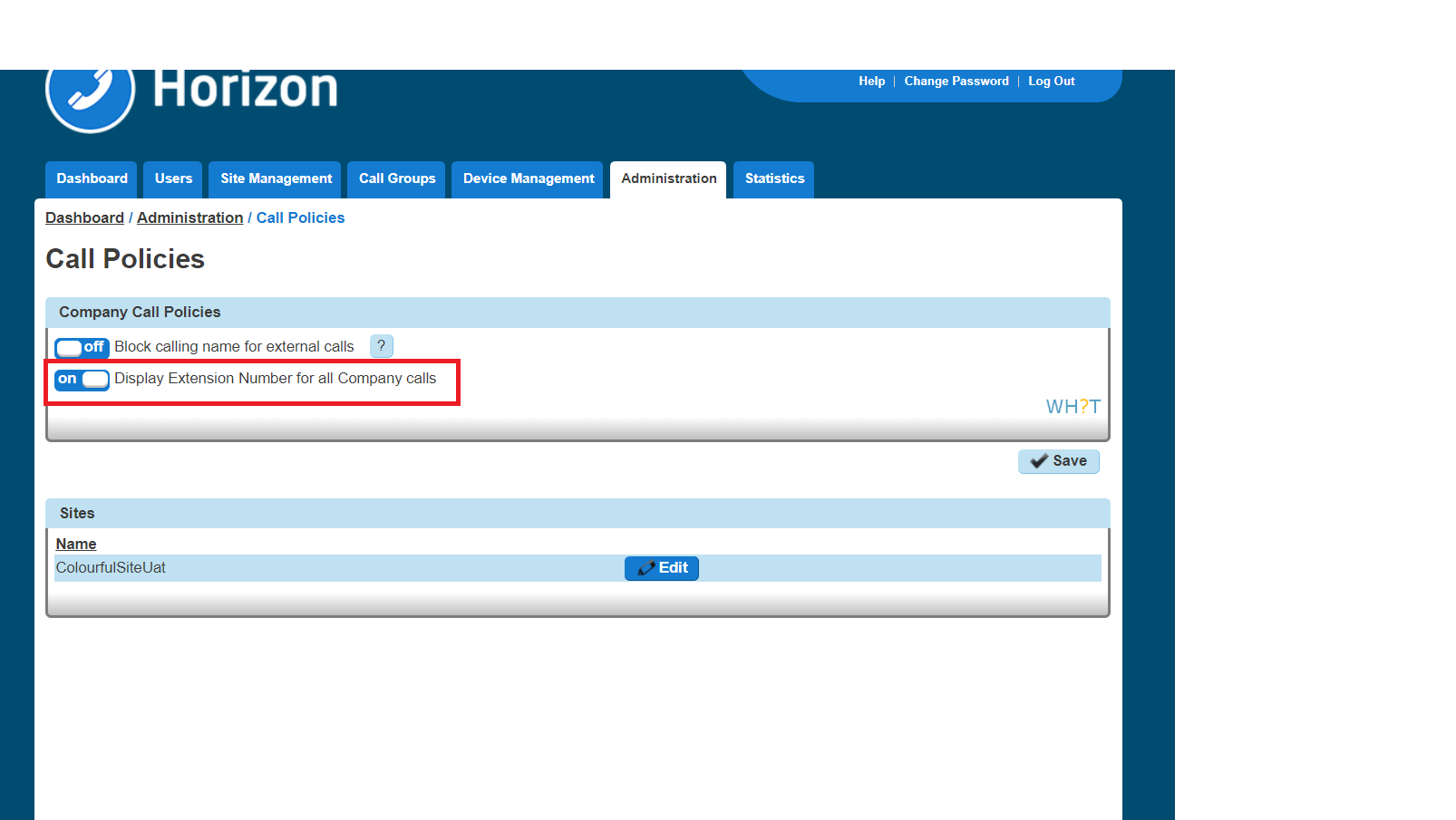
The setting is also available at the site level and is only applied to the caller.
In the use case where a company has three sites (A, B and C), if site A has it enabled, users on any other site will see the extension number when called by any user of site A.
If site C has it disabled and site A and B have it enabled then a site C user calling a site A or B user will present their full DDI
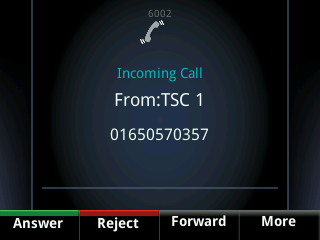
When the option is set to off, a site-to-site call will display the user’s full DDI number as per the following image.
When the option is set to on that same call, the extension number is presented as per the below image.