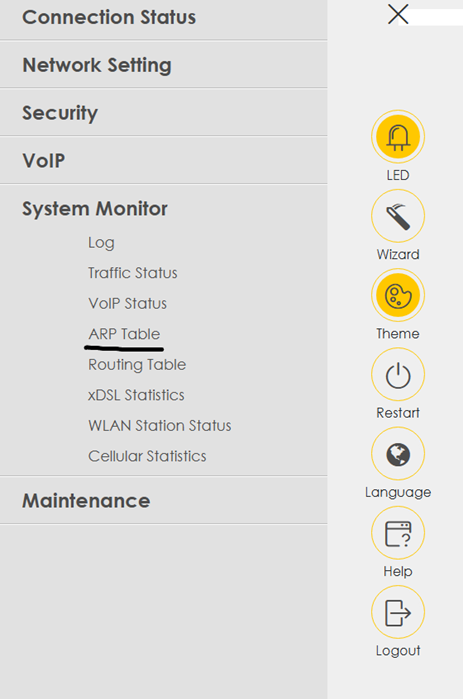
- From the dashboard, click the three lines menu in the top-right.
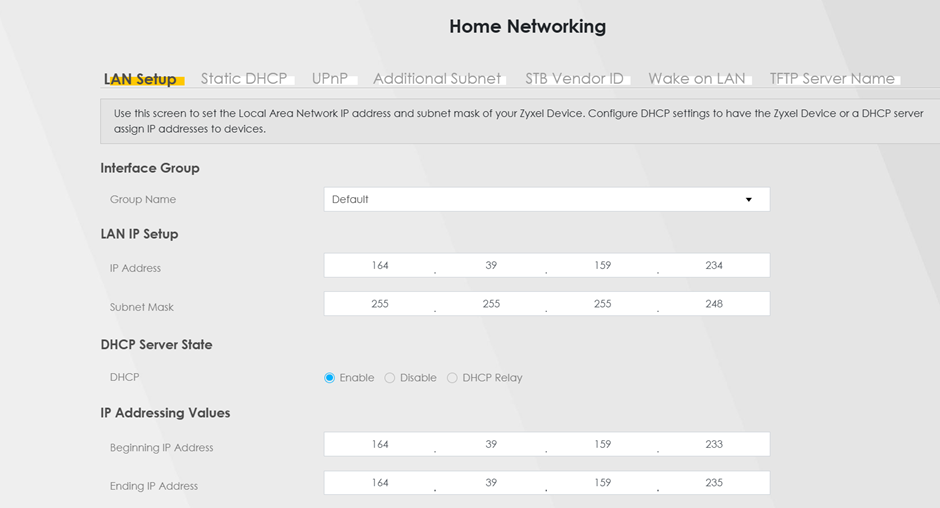
- Go to Networking then Home Networking.
- Change LAN IP Setup to the routed IPs. The IP address is the router – the other IP address/addresses would be used for other devices as the desired setup requires.
- Set DHCP to Disable.
- Click Apply to save the setup.
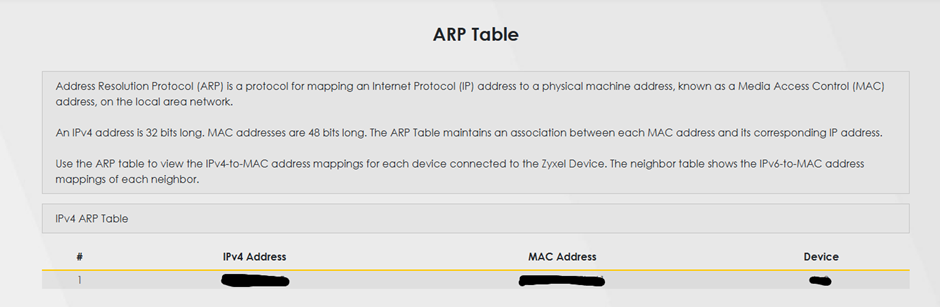
- You can ensure the setup is correct by accessing the ARP table, which will show connected devices.
- You will then see those devices connected to the router and the IP assigned – this should match the usable IP addresses for this circuit.