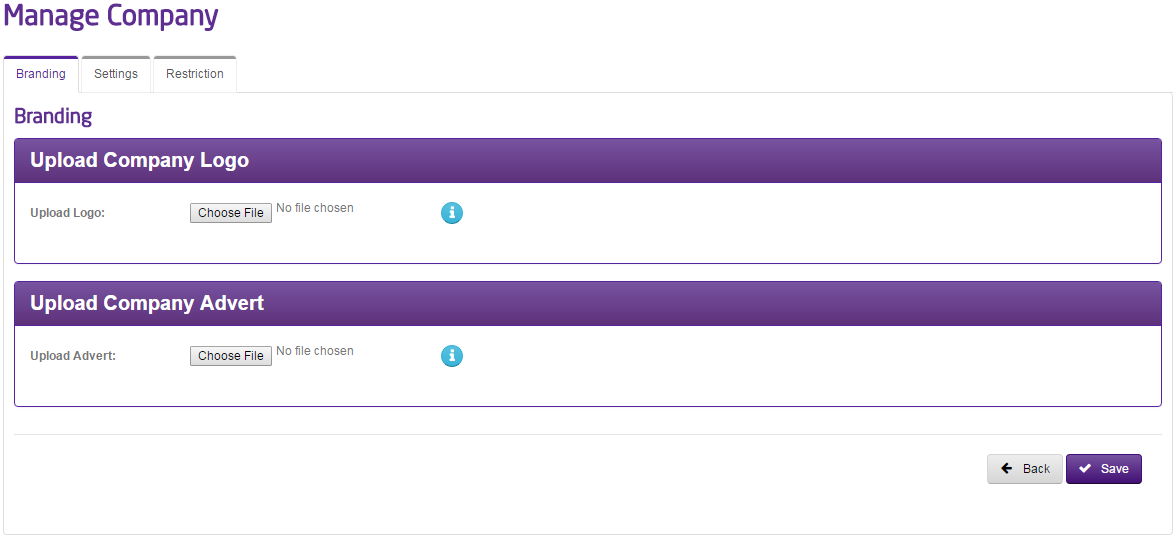
A Horizon Company Logo can be uploaded via the Gamma Portal as long as it is under 256KB.
The dimensions of the logo should be 300px by 80px, and the dimensions of the advert should be 460px by 310px though if larger the image will be scaled down to fit.
Step 1
From the Gamma Portal, go to “Provisioning and Service Management”, “Hosted”, “Horizon” and “Horizon Manage Company”.
Step 2
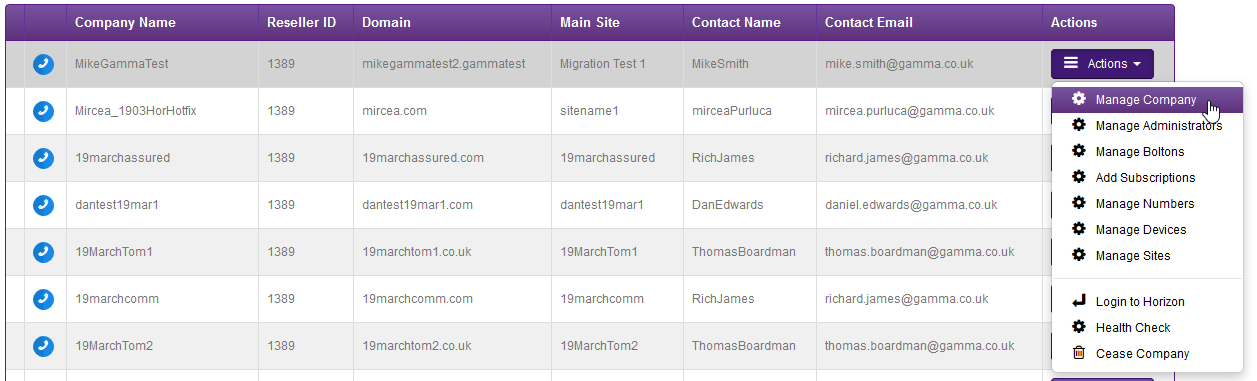
Find the company that you wish to add sites to using the Actions drop-down and selecting “Manage Company”
Step 3
From here you can upload the Company Logo and a Company Advert.